How to check DualSense compatibility before you play
Choose a connection around the device and the features you want from the individual game.
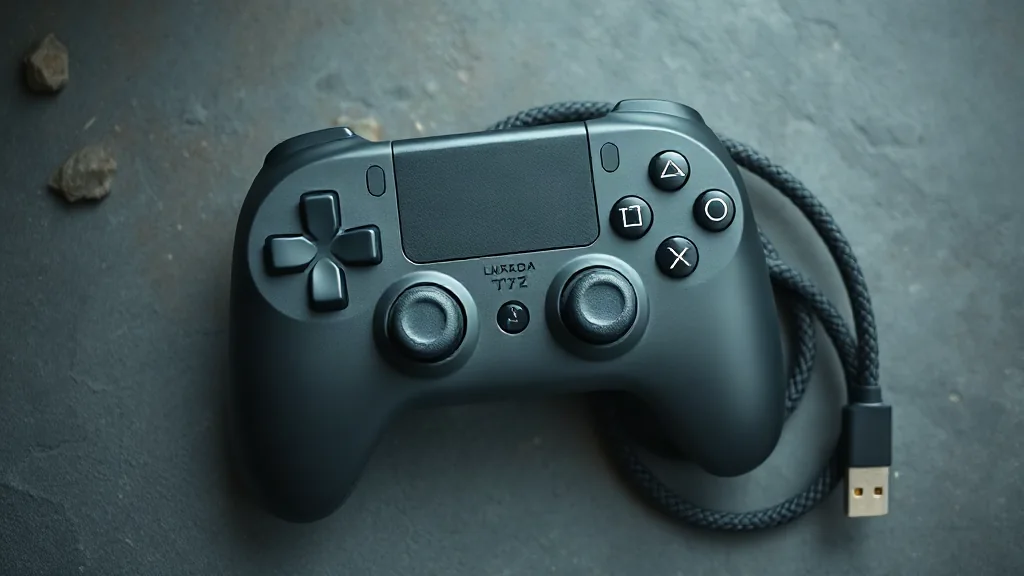
Start with the device you want to play on, then check the individual game. DualSense pairs with supported devices via Bluetooth or USB, and the features you can use vary by title. Check which connection your device supports and which controller features the game lists before you choose how to connect.
On PC, DualSense haptic feedback requires a USB connection in games that support it. If haptics are the reason you’re reaching for the controller, check the title’s support information and use USB when playing. If wireless play is your priority, check Bluetooth support for your device and see which features the game documents for that connection. Repeat the check for each game you plan to play.
Browse PC controllers on Amazon UK